Social Media Posting Schedule: How Often Should a Small Business Post?
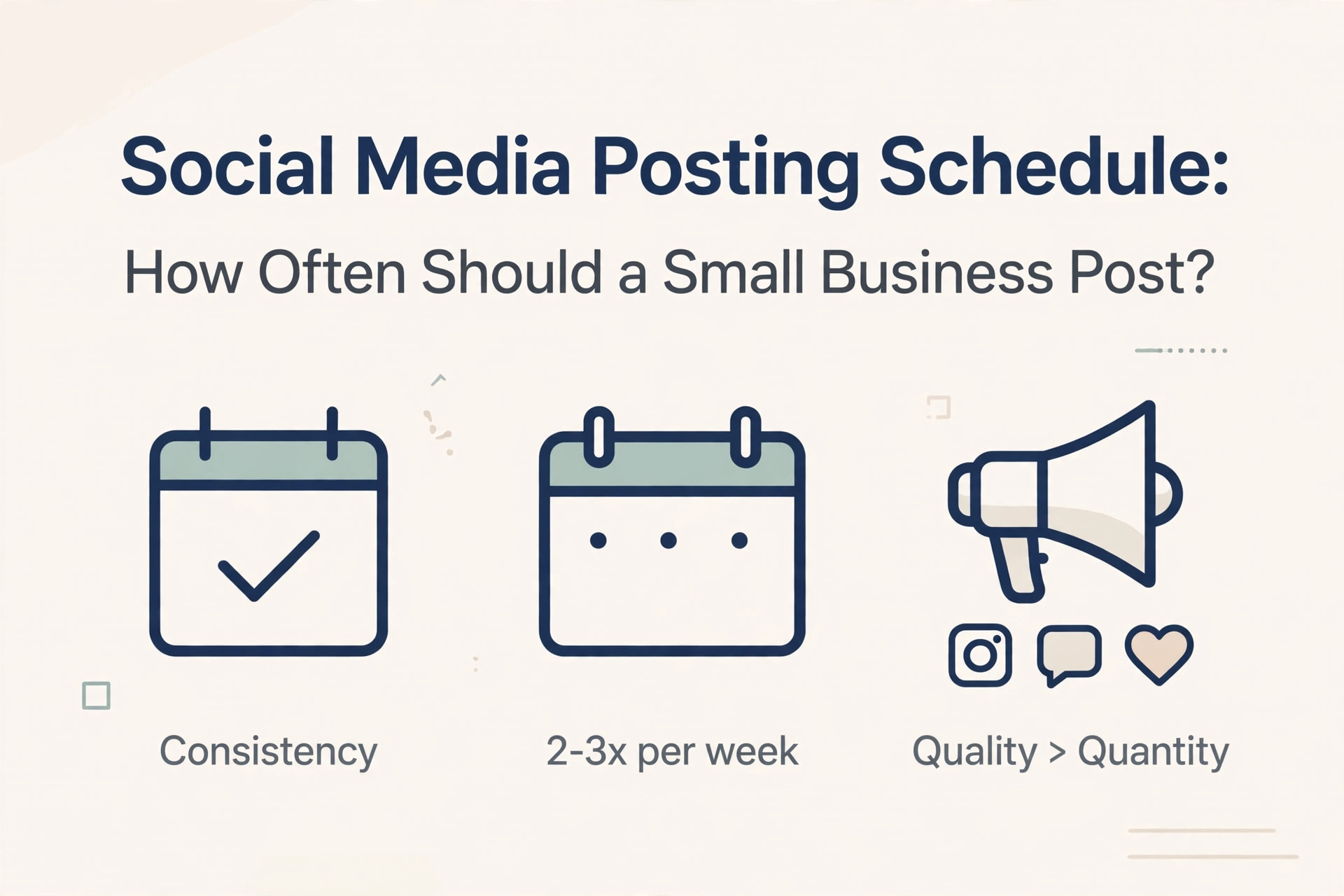
A simple social media posting schedule beats posting at random. It keeps you consistent, which matters more than posting every day.
Many small business owners ask the same question: how often should I post? The honest answer depends on your time, your goals and your audience. However, a clear social media posting schedule makes the decision easy.
In this guide, we show you how to build a schedule that you can actually keep. We also cover what to post, and how to plan a week of content in about an hour.
Why a Social Media Posting Schedule Beats Posting at Random
Posting only when you feel inspired creates gaps. Then, followers forget you, and your page loses momentum. A schedule fixes this, because it turns posting into a habit.
How Often Should You Post?
There is no magic number. Even so, a few starting points work well for most small businesses. Treat them as suggestions, and adjust them to your own time.
- Instagram or Facebook: about three posts a week, plus stories when you can
- LinkedIn: about two posts a week
- Short videos on Reels or TikTok: two to three a week
- Google Business Profile: one update a week
However, one good post a week beats seven rushed ones. So, start small and add more only when it feels easy.
Social Media Posting Schedule: A Simple Weekly Rhythm
Here is an easy pattern to copy. First, pick the days that suit you. Then, give each day a clear job.
- Monday: a helpful tip or checklist
- Wednesday: behind the scenes or a short video
- Friday: a client result, a review or an offer
- Weekend: a light, personal or community post
As a result, you never stare at a blank screen wondering what to share.
What to Post: Mix Your Content Types
A good schedule mixes different kinds of posts. Otherwise, your page can feel repetitive or too salesy.
- Educate: tips, how-tos and answers to common questions
- Show: your work, results and finished projects
- Connect: your team, your story and your values
- Sell: a clear offer, now and then
A common approach is to share more value than sales. Short videos also work especially well, and our guide to short-form video explains why.
The Best Time to Post
Skip the generic charts you see online. Instead, open your own analytics, because every audience is different. Also, look at when your followers are active. Then, test posting at those times for a few weeks and compare the results.
How to Plan Your Social Media Posting Schedule in One Hour
Batching saves time and stress. Follow these steps once a week:
- Step 1: first, list four topics your customers ask about
- Step 2: next, choose a format for each one, such as a photo, a carousel or a video
- Step 3: then write all the captions in one go
- Step 4: finally, schedule the posts with a free tool
Most platforms include a scheduler. For example, Meta's Business Help Centre explains how to schedule posts for Facebook and Instagram.
Mistakes That Break a Posting Schedule
- Posting daily for a week, then stopping completely
- Copying the same post onto every platform, because each one works differently
- Never replying to comments and messages
- Only promoting, and never helping
- Not checking which posts actually work, so you repeat what fails
Fixing even one of these makes your schedule easier to keep.
Quick Answers
Is it better to post every day or a few times a week?
A few well-planned posts a week works for most small businesses. However, consistency matters most, so choose a rhythm that you can keep.
Which platform should I focus on first?
Start where your customers already spend time. Then, add a second platform once your first routine feels easy.
Should I use a scheduling tool?
Yes, because scheduling saves time and keeps you consistent. Many platforms include a free scheduler.
Final Thoughts: Keep Your Social Media Posting Schedule Realistic
The best social media posting schedule is the one you can keep. So, start with a small rhythm, mix helpful and promotional posts, and review what works every month. Then, build from there.
If you would rather hand this over, we are happy to help. See how we work on social media engagement, or explore our digital marketing services.
Ready to turn this into more customers?
Tell us about your business and we'll suggest a simple weekly plan. It takes a few minutes, and there's no obligation.
NO PRESSURE · NO OBLIGATION